Oct 13, 2026 - By Jennifer Lopez
AI Lead Follow-Up Automation: A Practical Sequence Design Guide

AI Lead Follow-Up Automation: A Practical Sequence Design Guide
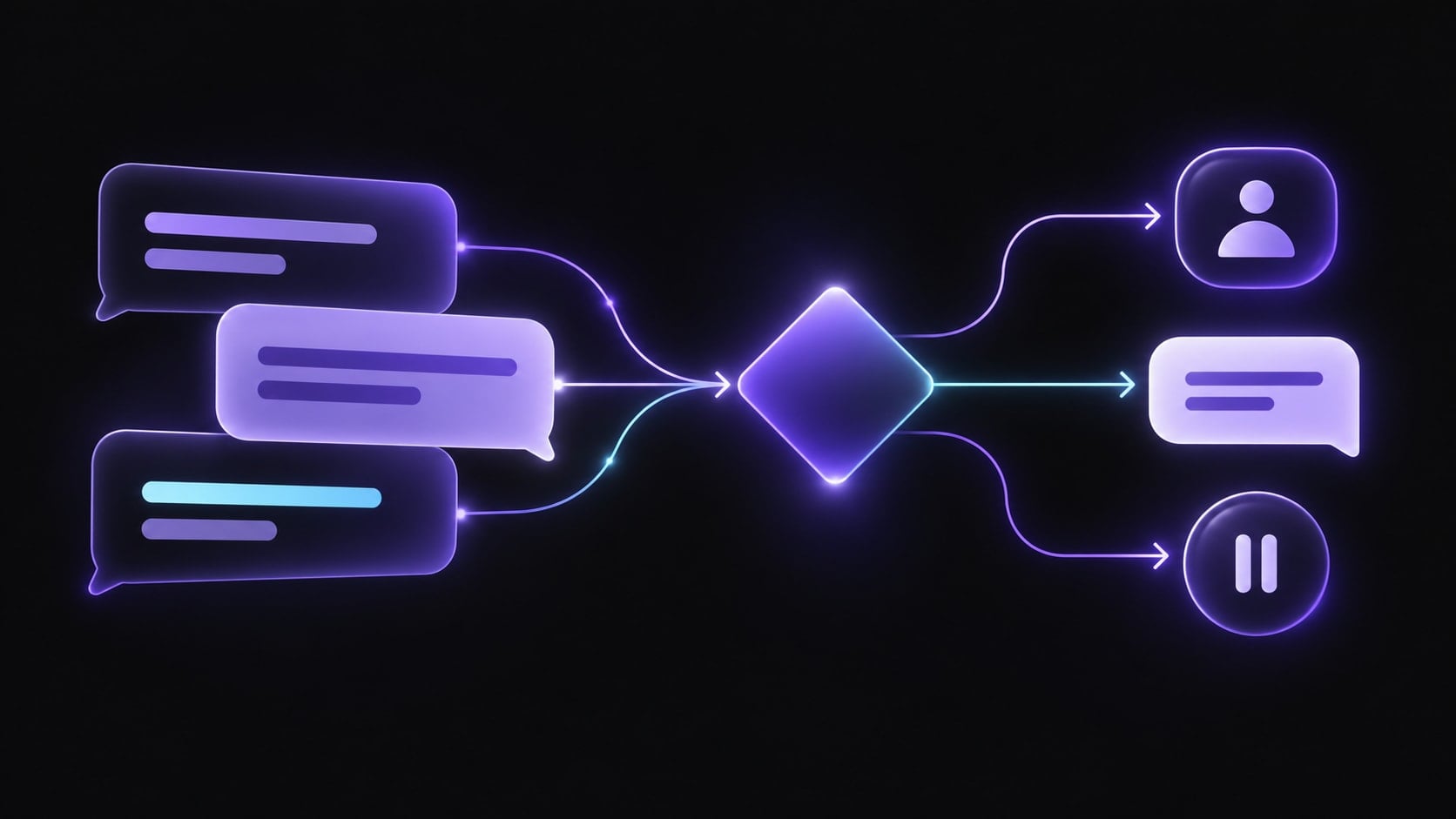
An effective automated follow-up sequence is a small set of relevant next steps, with clear rules for when to continue, pause, or hand the conversation to a person. Automation should make the process consistent; it should not turn every inquiry into the same number of messages.
This guide focuses on sequence design: what event starts a follow-up, what each touch should accomplish, how to respect channel preference, and when the sequence should stop. For a broader inbound SDR process covering qualification and ownership, see How to Automate SDR Workflows with AI.
Why follow-up sequences fail
Teams often begin with a calendar of messages and add automation before defining the decisions behind it. That can produce repeated reminders after a prospect has replied, a message on a channel they did not choose, or a sales touch that ignores what was already discussed.
The underlying problem is usually not a lack of touches. It is missing context and missing stop conditions. A useful sequence needs to answer four questions:
- What event justifies the next contact?
- What should this contact help the prospect do or decide?
- What response changes the next step?
- What condition ends or pauses the sequence?
If the team cannot answer these questions, adding more scheduled messages will make the experience noisier rather than clearer.
Start with the sequence state
Treat a follow-up plan as a set of states, not a fixed ladder of messages. A simple model can include:
| State | Entry condition | Allowed next action | Stop or pause condition |
|---|---|---|---|
| New inquiry | A person submits a request or starts a conversation | Acknowledge the request and establish the reason for contact | Reply received, request withdrawn, or human owner takes over |
| Waiting for detail | A relevant question is unanswered | Ask one clear question tied to the request | Answer received, channel preference changes, or the request is closed |
| Information sent | Requested material or a proposed next step has been shared | Check whether it answered the question; offer a useful next step | Reply received, explicit no, or follow-up is no longer appropriate |
| Revisit later | The person gives a future timeframe | Resume only around the agreed date or event | Person opts out, timeline changes, or owner cancels |
| Human-owned | A person is handling the conversation | Keep automation paused unless the owner explicitly resumes it | Owner closes or returns the work to the sequence |
The state names can be adapted to a team’s process. The important part is that every state has a responsible owner, a permitted action, and a stopping rule.
Choose triggers before choosing timing
There are two common ways to schedule follow-up. Time-based steps happen after a defined interval. Event-based steps happen when something relevant changes, such as a reply, a request for information, or an agreed follow-up date.
Use time-based steps when the next contact remains useful even if nothing else changes. Use event-based steps when the next action depends on what the person said or did. A practical plan often combines both: a short, agreed check-in window followed by a pause unless the person responds or another meaningful event occurs.
Before enabling a trigger, document:
- The event: what exactly starts the action?
- The evidence: what conversation detail or record supports it?
- The action: what is the single purpose of the message?
- The guard: what must be true before it can send?
- The stop rule: what reply, opt-out, owner action, or status change ends the sequence?
Do not treat every website visit, email open, or inferred signal as permission to intensify contact. Use signals only when they are reliable, appropriate to the relationship, and consistent with the business’s consent and communication policies.
Match each touch to a useful purpose
Each contact should add something the previous one did not. A short sequence might look like this:
| Touch | Purpose | Example of a useful next step |
|---|---|---|
| First response | Confirm the inquiry was received and understand the request | Ask one missing question or identify the right team member |
| Follow-up after information | Check whether the material addressed the stated need | Invite a specific question or correction |
| Agreed-date reminder | Honor a timeframe the person gave | Ask whether the timing still works |
| Close-the-loop message | Give the person an easy way to pause or redirect | Offer to close the request or reconnect later |
Avoid vague messages such as “just checking in” when a more helpful question is available. Do not claim urgency, availability, or a deadline unless it is true and relevant.
Decide which channel to use
Use the channel the person selected or already used when that remains appropriate. A switch should have a reason: the person requested a call, a message cannot reasonably carry the information, or a human owner needs to continue the discussion. Keep channel rules explicit so automation does not create a scattered series of calls, texts, and emails.
For every channel, define the permitted message type, local sending window, consent requirement, and how replies are captured. If a reply cannot be reliably connected to the conversation record, do not let the sequence continue as if no reply arrived.
Example: a prospect asks for a proposal
A prospect uses a website form to request a proposal and says they are comparing options this month. The team records the form source, the stated timeframe, and the requested service. An acknowledgement confirms the request and asks one missing scoping question. The prospect replies by email with the detail. The sequence pauses while a sales owner prepares the proposal. After it is sent, the owner schedules one check-in for the date the prospect agreed to. If the prospect replies before then, the reminder is cancelled and the owner continues the conversation. If there is no reply by the agreed date, the system sends one concise question asking whether the proposal answered the need or whether the person prefers to close the request. A no or opt-out ends the sequence; a new question returns the conversation to the human owner.
The value comes from remembering the agreed context and honoring the reply, not from increasing the number of touches.
Build safeguards into the workflow
Before launch, test the sequence against ordinary and edge cases:
- A reply arrives before a scheduled message.
- A person asks to be contacted later.
- A person says no or asks not to be contacted again.
- The conversation is already assigned to a human owner.
- The message fails or the reply arrives on another supported channel.
- The record contains conflicting or missing details.
For each case, decide whether to stop, pause, retry, or route for review. Keep a visible record of why the next action happened. Review message samples with the people who own the customer relationship, and give them a straightforward way to pause automation.
Where Relaio fits
Relaio describes voice and messaging workflows that can support lead conversations, qualification, follow-up, and human handoff. In a follow-up process, its role is to help carry an approved conversation to a defined next action while preserving a path for a person to take over. Confirm the channels, triggers, records, and safeguards available for a specific implementation before promising them; this guide does not assume a particular CRM, calendar, or native integration.
If your team is mapping an inbound qualification process, see the AI SDR workflow guide. To discuss a specific workflow, contact Relaio.
Follow-up sequence launch checklist
- Every sequence starts from a defined event.
- Each message has one useful purpose.
- Channel choice and communication rules are documented.
- Replies, opt-outs, ownership changes, and agreed pauses stop or reroute automation.
- A human can review uncertain or sensitive cases.
- The team can see what context caused a message to send.
- Test cases cover replies, no replies, changed timing, and closure.
Frequently asked questions
How many follow-up messages should a sequence contain?
There is no universal count that fits every relationship or sales process. Set the sequence around the person’s request, agreed timing, channel preference, and the point at which further contact stops being useful.
Should AI choose when to send every follow-up?
Automation can apply rules consistently, but teams should define the triggers, permitted actions, and stop conditions. Keep a person involved when context is unclear, the request is sensitive, or a conversation needs judgment.
What should happen when someone replies?
The reply should pause any conflicting scheduled contact and be routed to the next responsible owner or workflow step. The sequence should not continue as if the person had stayed silent.
How can a team tell whether a sequence is working?
Review whether contacts receive relevant responses, whether the intended next action occurs, how often the workflow stops for the right reasons, and where people take over. Interpret these measures in context; do not assume a change in conversion is caused by automation alone.