Oct 15, 2026 - By Jennifer Lopez
AI Customer Support Automation: A Practical Guide to Answers and Escalation

AI can help a support team handle repeatable questions, but it should not be treated as an unlimited substitute for staff. A dependable workflow sets boundaries first: which answers are approved, what information can be collected, what actions require human review, and how a person receives the case when automation stops.
This guide shows how to map those decisions before introducing an AI assistant. It is useful for teams evaluating chat, messaging, voice, or email automation; the right channel and allowed actions depend on the tools and policies already in place.
Why support automation needs clear boundaries
Support requests vary in consequence. A request for store hours may be answered from an approved policy. A request to reverse a payment, change account ownership, interpret a contract, or respond to a safety concern may require identity checks, a specialist, or a decision the system is not authorized to make.
The common failure is to start with a broad promise such as “answer everything” and decide escalation rules later. That can produce confident but unsupported answers, repeated questions, or a handoff that leaves the customer explaining the issue again.
Start by listing the questions the team receives and sorting them by risk and required authority. Use the existing help content and support policies as the source of approved answers. If an answer is absent, inconsistent, or out of date, send the request to a person and fix the source before automating it.
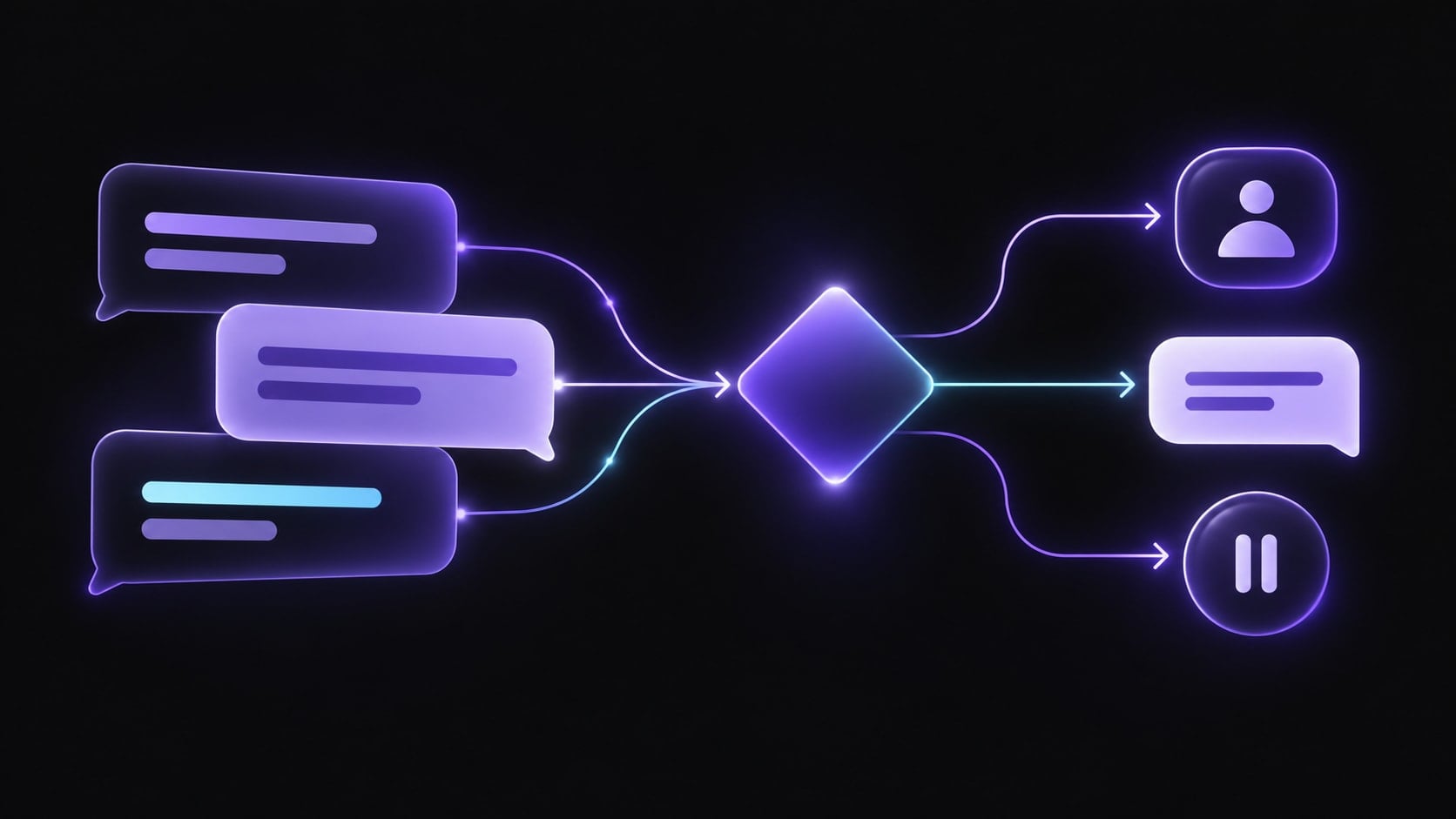
A practical answer-or-escalate workflow
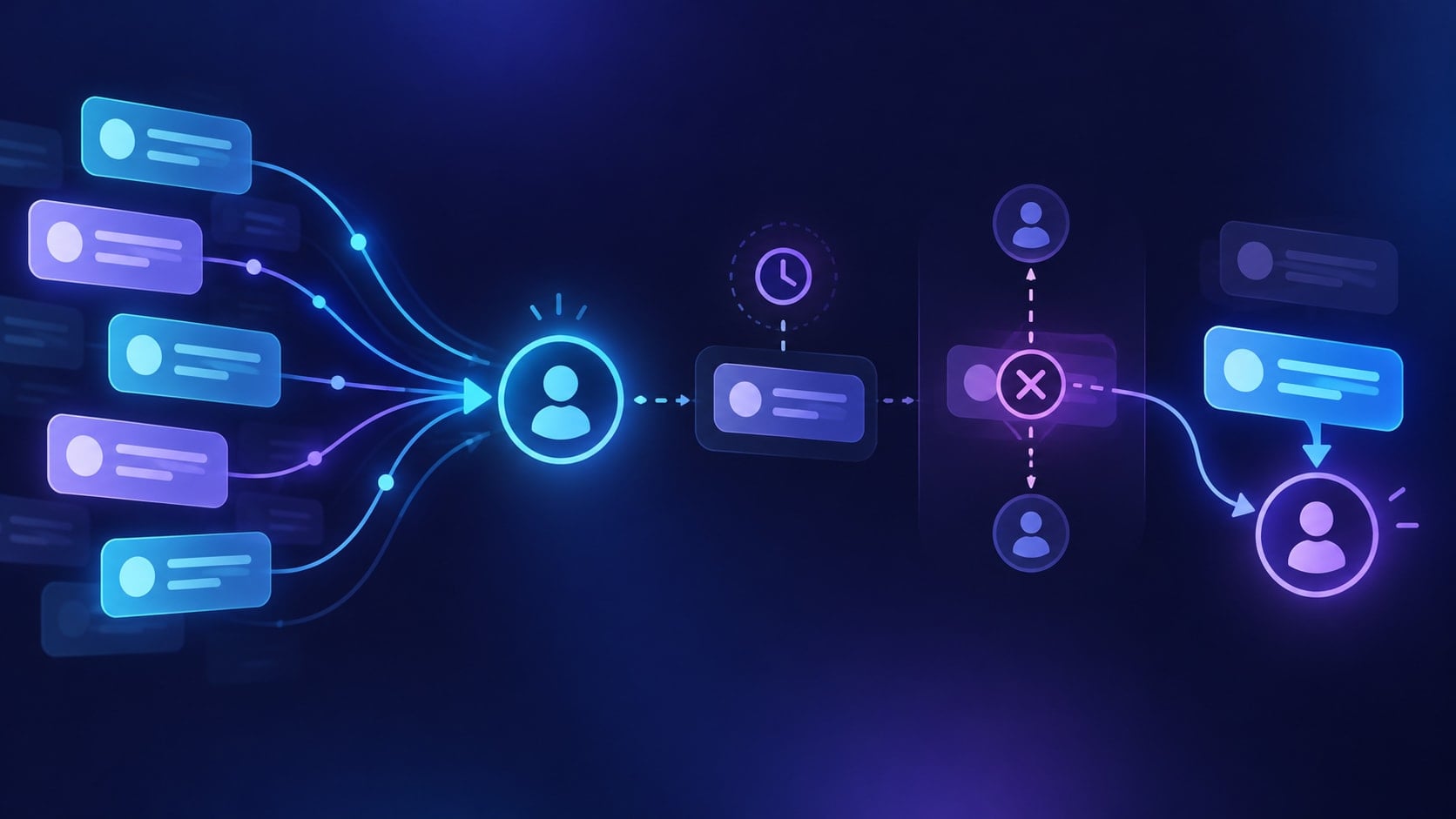
- Capture the request and channel. Record what the customer asked, where it came from, and any context the customer has already provided. Collect only information needed for the next decision.
- Check whether an approved answer exists. Match the request to current policy or help content. Do not let the assistant fill gaps with a guess.
- Check risk and authority. Identify requests involving money, account access, personal data, legal or medical questions, complaints, or exceptions to policy. Route these according to the organization’s rules.
- Respond within the permitted scope. Give a concise answer grounded in the approved source. If a step depends on account-specific data or an action that the system cannot verify, explain what is needed and route it.
- Confirm the next action. Ask whether the answer addressed the question, request a missing detail, or tell the customer how a person will follow up. Do not promise a response time unless the support team has confirmed it.
- Hand over the useful context. Pass along the original request, the answer already provided, relevant source or policy, missing information, and the decision the human needs to make. The customer should not have to reconstruct the conversation.
- Review the outcome. Track unanswered and escalated questions as content or workflow gaps. Update the approved source and test the change before widening automation.

Decision matrix: what should happen next?
| Request outcome | Recommended next action |
|---|---|
| Approved, low-risk question | Provide the approved answer and name the relevant policy or help topic when useful. |
| Missing detail needed | Ask one focused question. If the customer cannot provide it or the answer remains uncertain, route to a person. |
| Account-specific or sensitive request | Verify identity through the approved process, then involve an authorized person before making a consequential change. |
| Complaint, exception, or disputed outcome | Acknowledge the concern without deciding the case; pass the request and prior context to the responsible team. |
| No current approved answer | Say that the answer needs confirmation and escalate. Add the unresolved question to the content review queue. |
| Customer asks for a person | Offer the available human route and transfer the conversation context where the workflow permits. |
These are operating rules, not product guarantees. Each team should define its own permitted actions, verification requirements, and escalation owner.
For a separate task-level comparison of automated voice work and human ownership, see AI Voice Agents vs Human Agents.
One example from first message to handoff
A customer writes through a website chat: “I was charged after cancelling. Can you refund it?”
The workflow records the wording and source, then checks the approved billing policy. If the assistant cannot verify the account and cancellation record through a confirmed, authorized process, it does not claim the charge is wrong or promise a refund. It acknowledges the issue, asks only for the details the support policy permits, and routes the case to billing. The handoff includes the customer’s request, the source channel, any information already collected, the policy checked, and the unresolved decision. Billing owns the refund decision and sends the customer the confirmed next step.
The useful automation here is controlled intake and context transfer. The human retains authority over the financial decision.
Implementation checklist
- Choose a narrow first queue. Select repeatable, low-risk questions with current written answers. Leave exceptions and sensitive cases out of the initial scope.
- Name an owner for each answer. Assign a person or team responsible for keeping the source policy accurate.
- Write the fallback before the answer. Define what the assistant says when it cannot find a source, confidence is low, the customer disagrees, or a human is requested.
- Set handoff fields. Include request summary, channel, relevant source, information already supplied, actions taken, and the human decision required.
- Test failure paths. Try incomplete requests, outdated guidance, conflicting policy, repeated questions, sensitive data, and explicit requests for a person.
- Review samples with support staff. Check correctness, policy fit, tone, and whether the handoff gives the person enough context. Revise the approved source or rules when it does not.
- Expand by evidence. Add another request type only after the current one has clear ownership, reliable source material, and a working escalation route.
For a governance structure, the NIST AI Risk Management Framework provides a voluntary process for identifying and managing AI risks. Teams should also follow their own privacy, security, and sector requirements.
Where Relaio fits
Relaio’s public positioning is sales-conversation infrastructure: its site describes responding to and following up with leads across voice, WhatsApp, website, and email, with lead context managed in a shared workspace. That is a relevant fit when an incoming conversation is a prospective customer inquiry that needs qualification or sales follow-up.
The public product description does not establish that Relaio is a ticketing system, resolves account-specific service cases, processes refunds, or replaces an authorized customer-support team. Treat this article’s decision framework as general operating guidance and verify the product scope for a specific support use case before implementation. For a sales workflow discussion, contact Relaio.
Frequently asked questions
Should AI answer every customer support question?
No. Automate only questions with current approved answers and a safe next step. Route sensitive, disputed, account-specific, or unclear requests to an authorized person.
What information should a human handoff include?
Include the customer’s original request, relevant context already provided, the source or policy checked, any response already sent, and the decision the human needs to make. Follow the organization’s data-minimization rules.
How should a team start?
Choose one narrow, low-risk request type, assign an owner to its source content, write the fallback and handoff rules, then test both successful and failure cases with support staff.