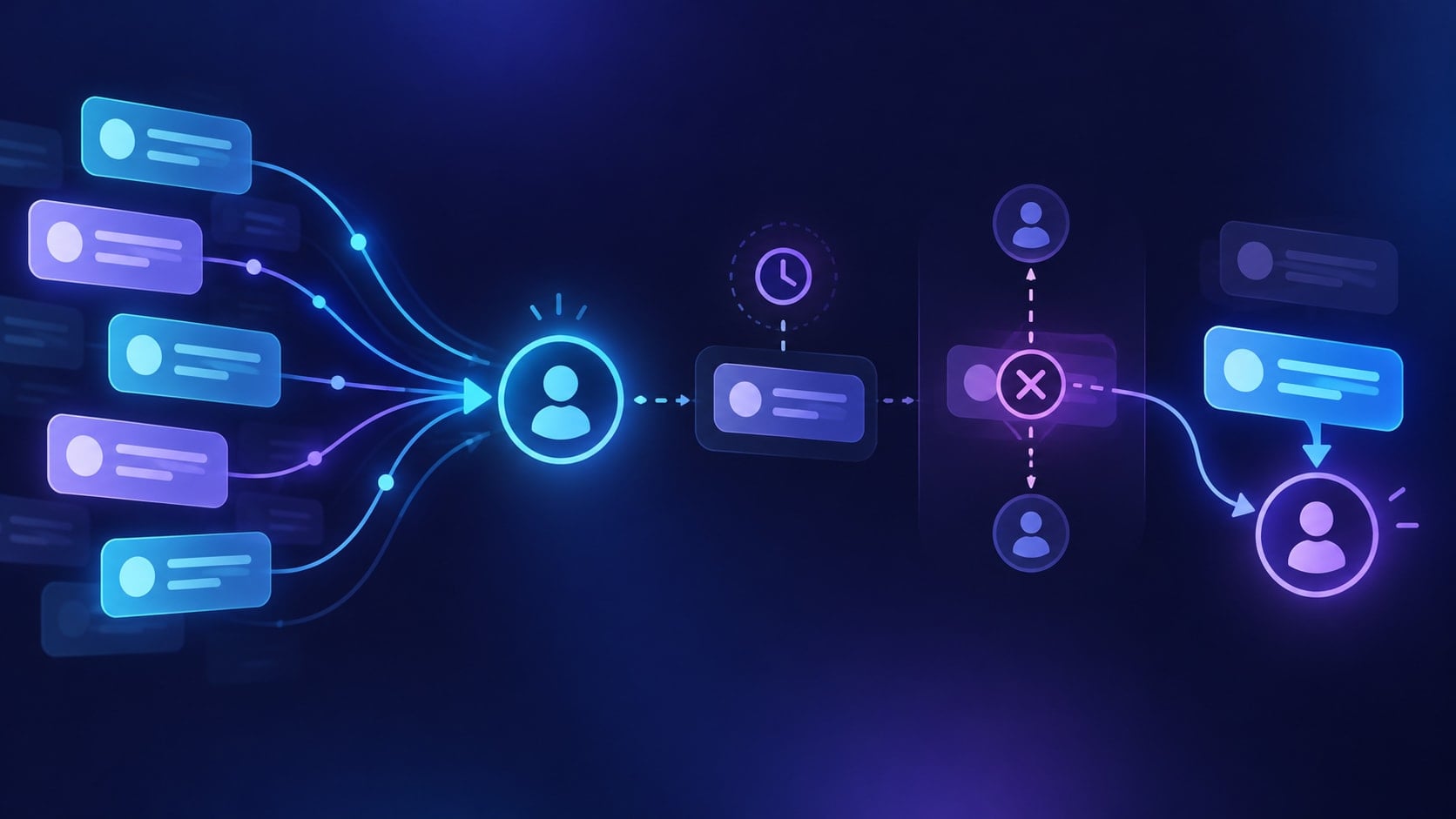
Oct 15, 2026 - By Team Relaio
How to Qualify WhatsApp Leads: A Saudi Sales Team Workflow
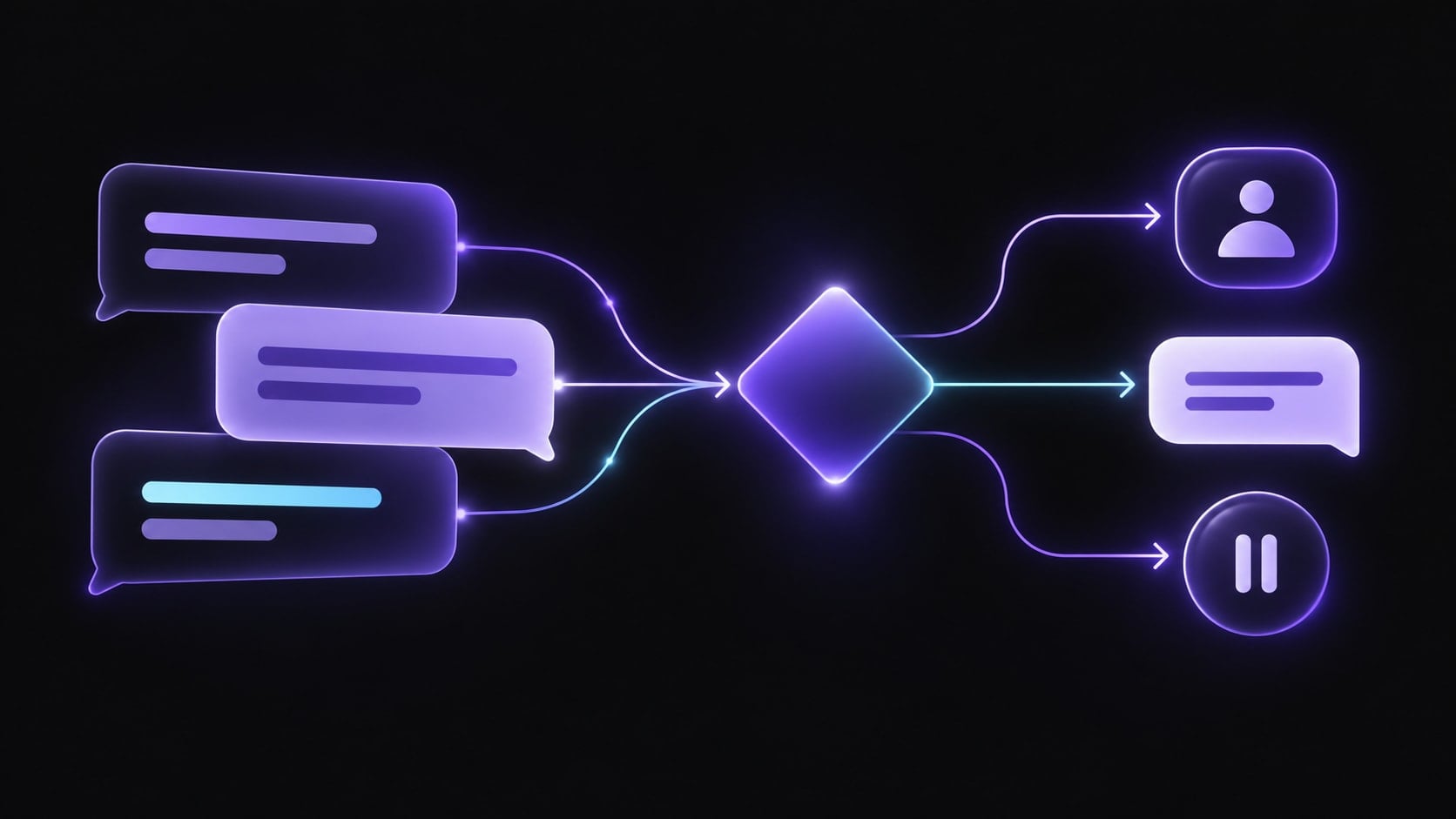
WhatsApp lead qualification works best as a short, customer-led conversation: understand the inquiry, ask only the next useful question, decide what should happen, and give the lead a clear human owner when the request is ready or uncertain. The goal is not to collect every detail in chat. It is to route each inquiry to a useful next step without making the person repeat what they already shared.
This workflow is written for sales teams serving customers in Saudi Arabia. It does not assume a particular language, dialect, working-hours policy, or WhatsApp automation product. Set those choices for your own team and confirm the supported capabilities before launch.
1. Define the qualification outcomes first
Before writing a WhatsApp script, decide what your team means by qualified. Use outcomes that tell the next owner what to do:
| Outcome | Signals to check | Next action |
|---|---|---|
| Ready for a rep | Clear need, plausible fit, and a useful next step requested | Route to the named sales owner with a concise summary |
| Needs more information | A key detail is missing, such as service type or intended use | Ask one focused question, then pause for the reply |
| Not now | The person has interest but no current timing or wants to revisit later | Ask whether a follow-up is welcome and record the requested timing |
| Not a fit | The request is outside the services or criteria the business supports | Explain the limitation briefly and close respectfully |
| Unclear / human review | Conflicting details, sensitive request, complaint, or uncertain answer | Stop qualification and route the conversation to a person |
Use criteria your sales team can apply consistently. Do not label someone “qualified” only because they answered quickly or shared a phone number.
2. Keep the first reply connected to the inquiry
Acknowledge what the person asked about and where the conversation began when that information is available. If a WhatsApp conversation started from a website, campaign, referral, or QR code, carry that context into the first response. Avoid opening with a generic pitch or asking for information the person already submitted.
A helpful first response has three parts:
- Recognize the request in plain language.
- Set an honest expectation about what can happen next.
- Ask one useful question only if the answer changes the next action.
For example: “Thanks for asking about team onboarding. Are you looking for support with a new rollout or an existing setup?” This question narrows the request without turning the chat into a long form.
3. Ask a small number of useful questions
Choose questions based on the decision the sales team needs to make. Common dimensions include:
- Need: What is the person trying to solve?
- Fit: Which service, product, or use case is relevant?
- Timing: Is there a meaningful target date?
- Scope: What size, location, or team context changes the recommendation?
- Next step: Would the person prefer information, a call, or a human response in chat?
Ask one question at a time where possible. Explain why you need sensitive or detailed information, and do not collect it when it is not necessary to route the inquiry. If the person declines to answer, decide whether the conversation can continue without that detail or should go to a human.
4. Example: a new service inquiry
A Saudi business owner taps a website link to WhatsApp and asks for help onboarding a 12-person team before a planned internal rollout.
- The team records the website source and the stated team size, so the owner does not ask for those details again.
- The first reply acknowledges the onboarding request and asks what the team needs to be ready to do after setup.
- The person explains the goal and says the rollout date is not fixed.
- The workflow classifies the inquiry as Needs more information only if a specific fit question remains; otherwise it can mark Ready for a rep because the person has asked for service guidance and named the team context.
- If ready, the handoff summary includes the source, stated team size, goal, timing uncertainty, and the question still to resolve.
- A sales owner replies in the same conversation or offers another contact method. The workflow does not promise a price, timeline, or package that has not been confirmed.
The classification should reflect your actual service criteria. The example is a conversation pattern, not a claim about any vendor’s feature set.
5. Decide what should happen after each answer
Qualification is a sequence of decisions, not a score alone. After every response, ask: do we have enough information for the next step, does one missing detail matter, and is the request inside the workflow’s scope?
- If the person is ready, route with context and state who owns the next action.
- If a key detail is missing, ask one short follow-up and wait.
- If the person is not ready, ask whether and when a follow-up would be useful.
- If the request is not a fit, give a clear answer rather than keeping the person in an automated loop.
- If the message is ambiguous, sensitive, or outside approved material, involve a human.
Set a stopping rule. If the same question remains unanswered after a reasonable exchange, do not keep sending variations of it.
6. Preserve conversation context in the handoff
A useful human handoff should contain only what the next owner needs:
- what the person asked for
- the source or entry point, if known
- answers already provided
- the qualification outcome and reason
- what remains uncertain
- the promised next step and who owns it
Do not send the person back to the beginning of the process. If the conversation moves from WhatsApp to a call or another channel, introduce the human owner and explain what information will carry forward.
7. Set messaging and follow-up safeguards
WhatsApp rules can vary by product, message type, and time. Check the current WhatsApp Business Messaging Policy before planning business-initiated messages or automated follow-up. The policy requires permission to contact people and, for the WhatsApp Business Platform, restricts business-initiated conversations to approved templates. It also says automation during the customer-service window must have clear and direct escalation paths. Review the current text and applicable local requirements before launch.
For teams serving Saudi Arabia, define the owner and working-hours expectations in the customer’s time zone. Do not imply immediate human availability if the team cannot provide it. Select the response language from the customer’s preference and make sure the approved material and human escalation path can support that choice; do not assume translation quality or dialect coverage without testing.
8. A lightweight launch checklist
Before enabling the workflow, confirm:
- the qualification outcomes match sales criteria
- the opening message recognizes the customer’s request
- each question changes a decision or next step
- business-initiated messages follow current WhatsApp policy
- the system can stop and route to a human
- handoff summaries preserve the inquiry and source
- the team has a named owner for each outcome
- test conversations cover incomplete, conflicting, and out-of-scope requests
- someone reviews a sample and can pause the workflow if it behaves incorrectly
Start with one use case and review actual conversations before expanding the number of questions or automated actions.
Where Relaio fits
Relaio’s public site describes sales conversations across channels including WhatsApp, voice, website, and email, with lead management and follow-up. This article focuses on the WhatsApp qualification conversation itself. Confirm the specific channel setup, policy requirements, supported actions, and human-routing path for your intended workflow before relying on them.
For a broader cross-channel qualification process, see How to Automate SDR Workflows with AI. For trigger and pause rules after initial qualification, read AI Lead Follow-Up Automation: A Practical Sequence Design Guide. To discuss a Relaio sales-conversation workflow, use Contact Relaio.
Frequently asked questions
How many questions should a business ask on WhatsApp?
Ask the minimum needed to choose the next action. If a question does not affect fit, routing, or the response, leave it out or collect it later with a clear reason.
Should every WhatsApp lead go straight to sales?
No. Define outcomes for ready, incomplete, not-now, not-fit, and unclear inquiries. Route based on the customer’s request and your criteria, with a person reviewing exceptions.
Can a business automatically message a lead later?
Check the current WhatsApp Business Messaging Policy, message type, customer permissions, and applicable local requirements before follow-up. Do not assume a prior inquiry grants permission for every future message or campaign.
What should a human receive when a lead is handed off?
The original request, source if known, relevant answers, qualification outcome, unresolved question, and the promised next step. The customer should not need to repeat that context.