Oct 15, 2026 - By Team Relaio
After-Hours Inbound Lead Response: Ownership and Morning Handoff
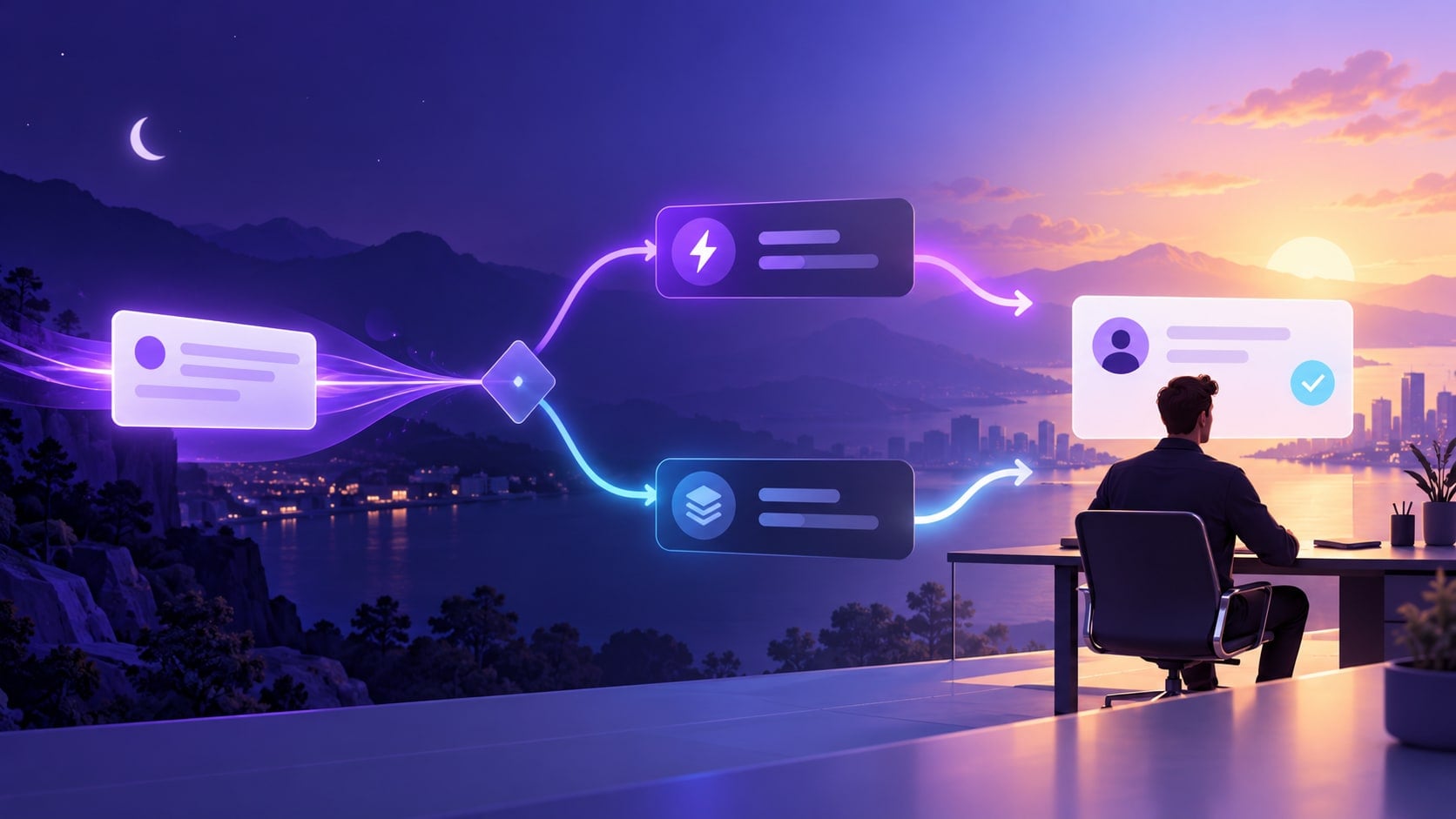
When an inbound lead arrives outside staffed hours, the workflow should do four things: acknowledge receipt without pretending a person has reviewed it, state when the team is next available in plain and accurate terms, route genuinely urgent cases through an approved on-call path, and place every other inquiry in a visible queue with a named next-period owner. An automatic acknowledgement is a receipt, not a completed sales response.
The aim is continuity: the person opening the queue can see what the lead asked, what was already said, what remains unanswered, and who owns the next action. If the business has no staffed or on-call coverage, the message must say so rather than imply 24/7 service.
Separate acknowledgement from a real response
An acknowledgement confirms that an inquiry reached the business. A substantive response addresses the request, answers a question, or agrees a next step with an accountable person. Those are different events and should be recorded separately.
For example, “We received your enquiry. Our team is currently offline and will review it when we reopen” is an acknowledgement if that reopening statement is accurate. “A specialist will call you shortly” is a commitment; use it only when a named person has accepted the task and the timing is genuinely controlled.
Do not claim an inquiry was reviewed, qualified, assigned, or escalated unless the corresponding event actually happened. Do not promise callback timing, lead recovery, or round-the-clock coverage by default.
A practical after-hours decision tree
New inquiry arrives outside staffed hours
  ├─ Is there an approved on-call route for this type of urgent issue?
  │    ├─ Yes, and the case meets its written trigger → alert the on-call owner;
  │    │   show the lead that the request was routed, not that it was resolved.
  │    └─ No / trigger not met → do not invent emergency coverage.
  ├─ Can the system send an approved acknowledgement without answering the request?
  │    ├─ Yes → acknowledge receipt and state the next staffed period accurately.
  │    └─ No → preserve the inquiry for the team; avoid an unapproved reply.
  └─ Place the inquiry in the next-period queue with a named primary owner,
      fallback owner, context, unanswered question, and next action.
This is an operating design, not a claim that a particular platform automatically performs these steps. A team can implement it with its existing inbox, CRM, phone process, or a combination, provided each handoff is visible and owned.
Define urgent and non-urgent routes before closing
“Urgent” needs a written definition that fits the business. A property enquiry, a routine product question, a service outage, and a safety concern do not have the same owner or response path. Avoid routing based only on an AI-generated priority label or a lead score with no human-reviewed threshold.
For each urgency class, document:
- the observable trigger that qualifies it;
- the primary on-call role and the fallback if that person is unavailable;
- what the first message may say before an owner accepts the case;
- what happens when no on-call owner acknowledges the alert;
- the cases that must wait for qualified human review.
If a request mentions danger, a complaint, a sensitive personal situation, a legal or financial commitment, or anything outside the approved trigger list, do not improvise a resolution. Follow the business’s reviewed escalation process. If there is no suitable staffed path, say that clearly and provide only an approved alternative.
Preserve the minimum context for the morning owner
The next person should not have to reconstruct the inquiry from several disconnected records. Keep only the context needed to understand and continue the conversation:
| Handoff field | What to preserve |
|---|---|
| Arrival | Original time, channel, and the customer’s local time zone if known |
| Request | The lead’s own stated need and relevant product/service area |
| Known details | Information the lead supplied that is necessary for the next step |
| Reply history | Exact acknowledgement or answer already sent, with time and channel |
| Open question | What remains unanswered; distinguish unknown from inferred |
| Urgency | Trigger matched, rule used, and whether an on-call owner accepted it |
| Ownership | Named primary owner, fallback, and the next staffed period |
| Next action | A specific task, such as review the request and respond; no invented due time |
Do not silently turn a guess into a fact. Label uncertain summaries as uncertain and preserve the original message so a person can check it. Collect no more personal data than the business needs for the stated next action.
Make the morning handoff an owned task
At reopening, the queue should be ordered using rules the team understands, such as an approved urgent trigger, existing customer status, or age of the inquiry. Do not assume that the newest lead should always displace an older unresolved request.
The primary owner should accept or reassign the task explicitly. If the person is absent or overloaded, the fallback owner needs a clear way to take responsibility. A queue entry without an owner is still an orphaned lead, even if an automation marked it “handled.”
Use a short handoff note:
Request: What the person asked. Already sent: The exact receipt or answer. Still open: The unanswered question. Urgency: Which written rule applied, if any. Owner: Named person or team for this staffed period. Next action: The first action that owner accepted.
The morning owner should verify the summary against the original conversation before making a promise, changing a record, or sending a substantive response.
Stop or escalate instead of automating
Pause the automated path and route for human review when:
- the lead asks for a person or corrects an important detail;
- the system cannot distinguish a request from an urgent issue under the written rules;
- the answer would require advice, an exception, a price or availability commitment, or a decision outside approved information;
- the reply channel, consent basis, or recipient is unclear under the business’s reviewed policy;
- an alert, assignment, or message fails and no verified fallback is available;
- the conversation contains sensitive information that the workflow was not designed to handle.
Do not automate emergency dispatch, a guaranteed callback, booking, a CRM update, or a human transfer unless the business has verified the capability, ownership, and failure path end to end. A workflow should stop cleanly when its next safe action is unknown.
Before-hours setup checklist
- Write the staffed hours and the actual next reopening period, including holidays and time zones where relevant.
- Separate an acknowledgement from a substantive response and approve the exact language for each.
- Name the urgent triggers, on-call primary, fallback, and no-coverage message.
- Choose the minimum context fields needed for the next owner; preserve the original inquiry.
- Assign every routine item to a named role or person for the next staffed period.
- Test a routine inquiry, an urgent trigger, a false alarm, an unclear request, a correction, a failed notification, and an absent owner.
- Review whether the actual queue, reply, and ownership match the written plan. Disable any path that cannot be reviewed or safely handed off.
Where this fits in the broader lead workflow
This guide covers the offline interval and the transition into the next staffed period. For a broader inbound qualification sequence and rep handoff, see How to Automate SDR Workflows with AI. For triggers, follow-up states, and pause rules across a sequence, see AI Follow-Up Automation. Real-estate teams can compare the industry-specific inquiry ownership process in Real Estate Lead Follow-Up.
Relaio’s live homepage is the current commercial destination for its sales-conversation platform. It does not verify 24/7 staffing, automatic callbacks, a particular response time, on-call escalation, or guaranteed recovery. Confirm any required workflow and ownership behavior with the team through contact. A future Voice or WhatsApp commercial page may be linked here only after it is published and its relevant capabilities are verified.
Sources and scope
This is a general workflow template, not legal, emergency-response, or sector-specific advice. Teams should review messaging permissions, privacy, retention, and any applicable local rules before enabling automated replies or escalation. This article makes no performance or conversion claim.